Game Jams
We are preparing prizes for creators in our first Game Jam. Please wait…
GAMME — Audio → OGG
Game sound slots in Customize accept .ogg only (Vorbis). WAV and MP3 uploads are rejected until converted.
Use any desktop converter (Audacity, ffmpeg, online tools), then upload the OGG in Customize → Sound.
🔒 Limited to the first 500 creators
Welcome Bonus Get 300 Free Credits
Create your first AI game for free. No credit card required.
- 300 Free CreditsEnough to create multiple games.
- Exclusive Early Creator BadgeOnly for the first 500 members.
- Featured on the HomepageYour games can be seen by thousands.
- Publish instantlyWeb games you can share with anyone.
Trusted by early creators building amazing games with Gamme AI.

Earn free credits to create your game in minutes now.
Create, play and share amazing games with AI — fast, easy and fun.
300 free credits when you sign up
Earn more credits by playing and creating
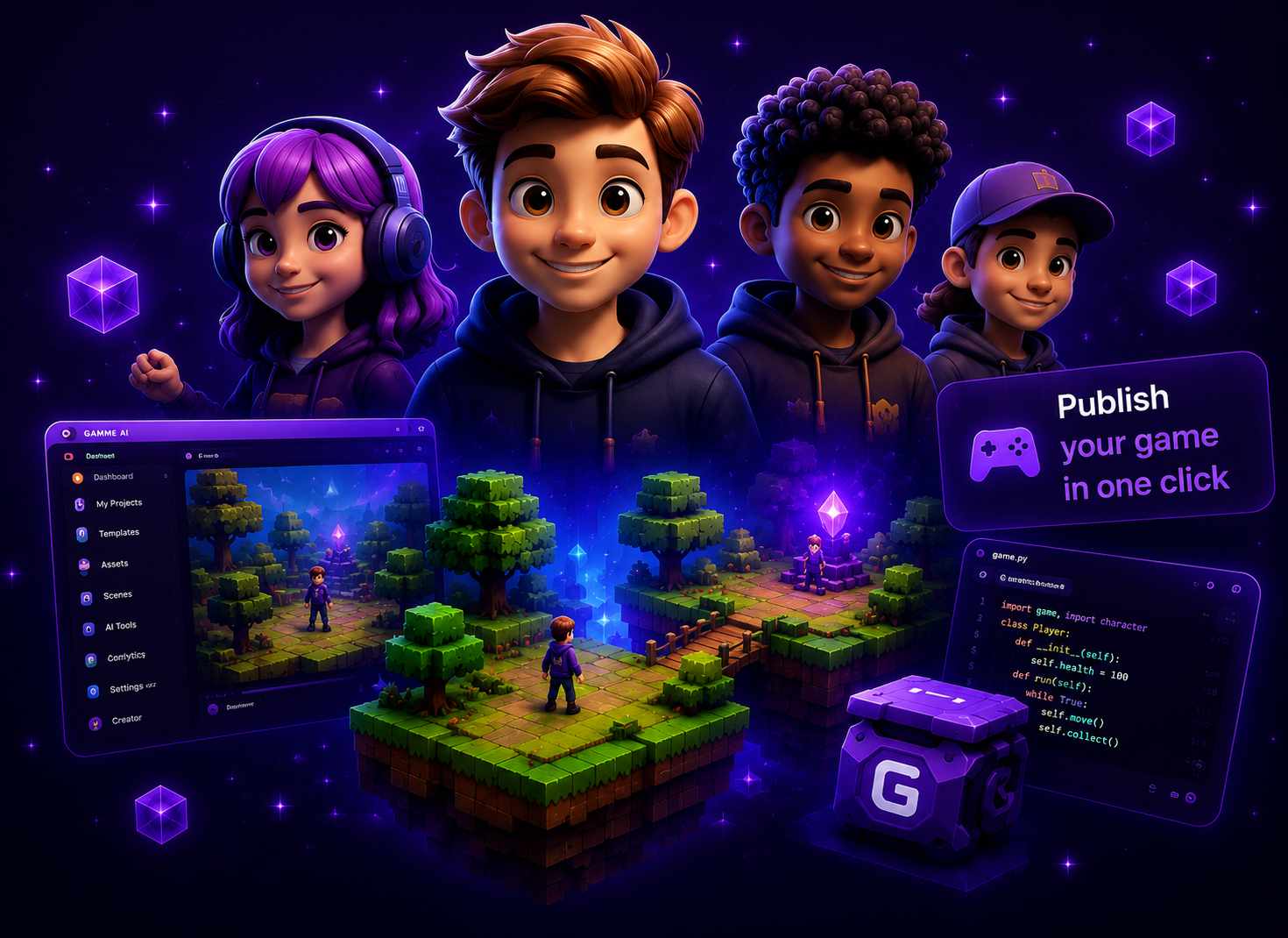
Creators are using Gamme.Ai right now
45+ creators already online now
By continuing, you agree to our Terms and Privacy Policy.